 Feiyang Zhou
 Sketch to terrain: four workflows
One sketched layout built four ways, in Stable Diffusion, Gaea, Houdini and World Creator 3, to compare control against realism.
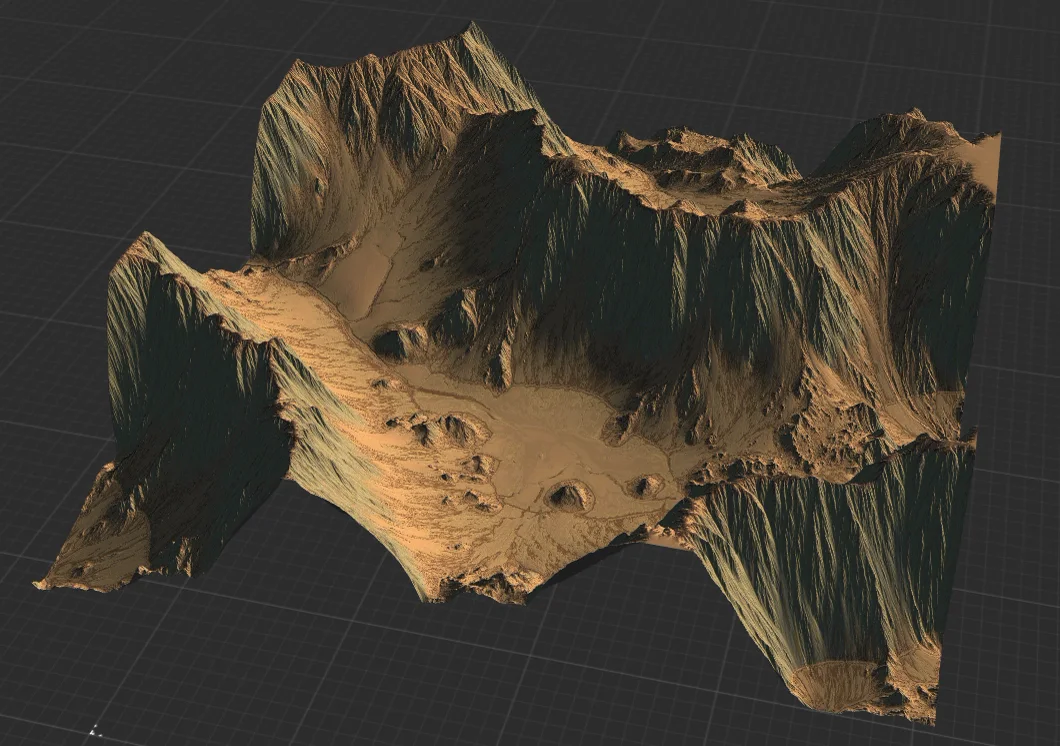
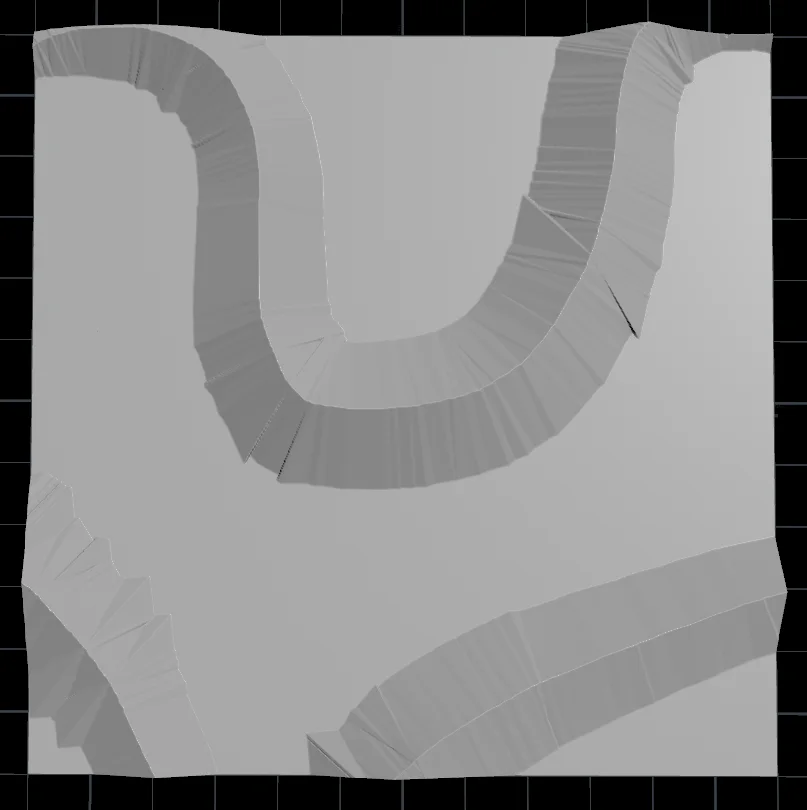
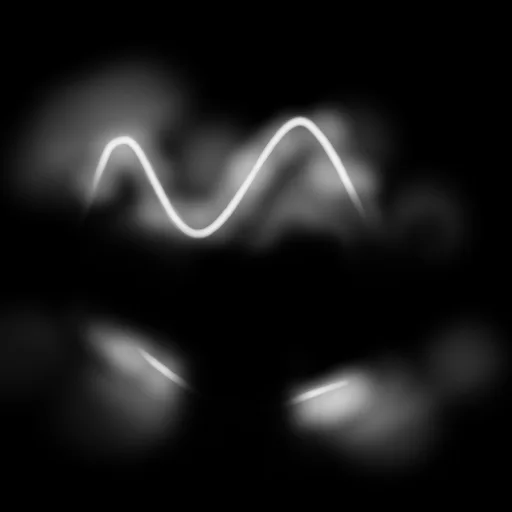
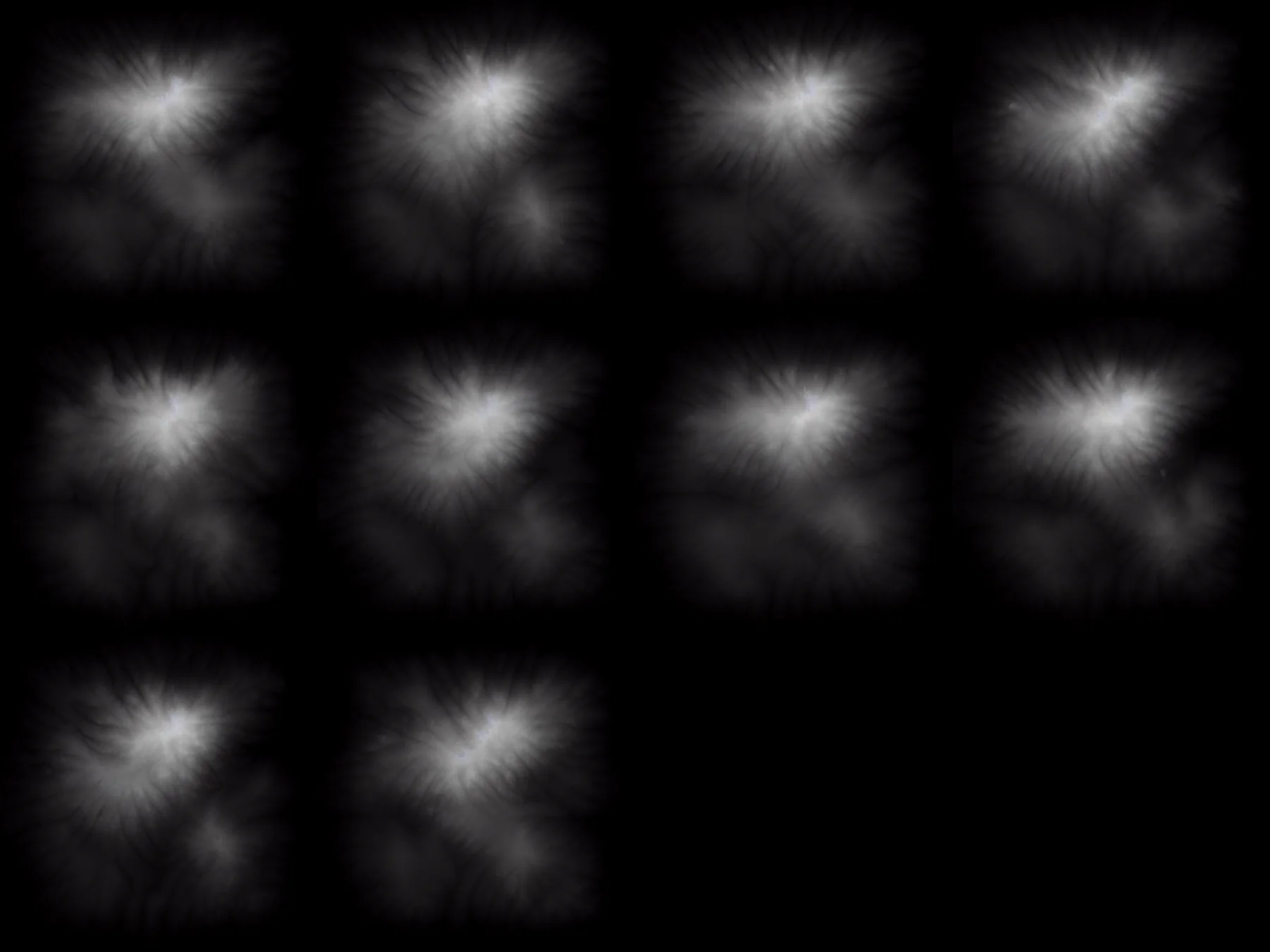
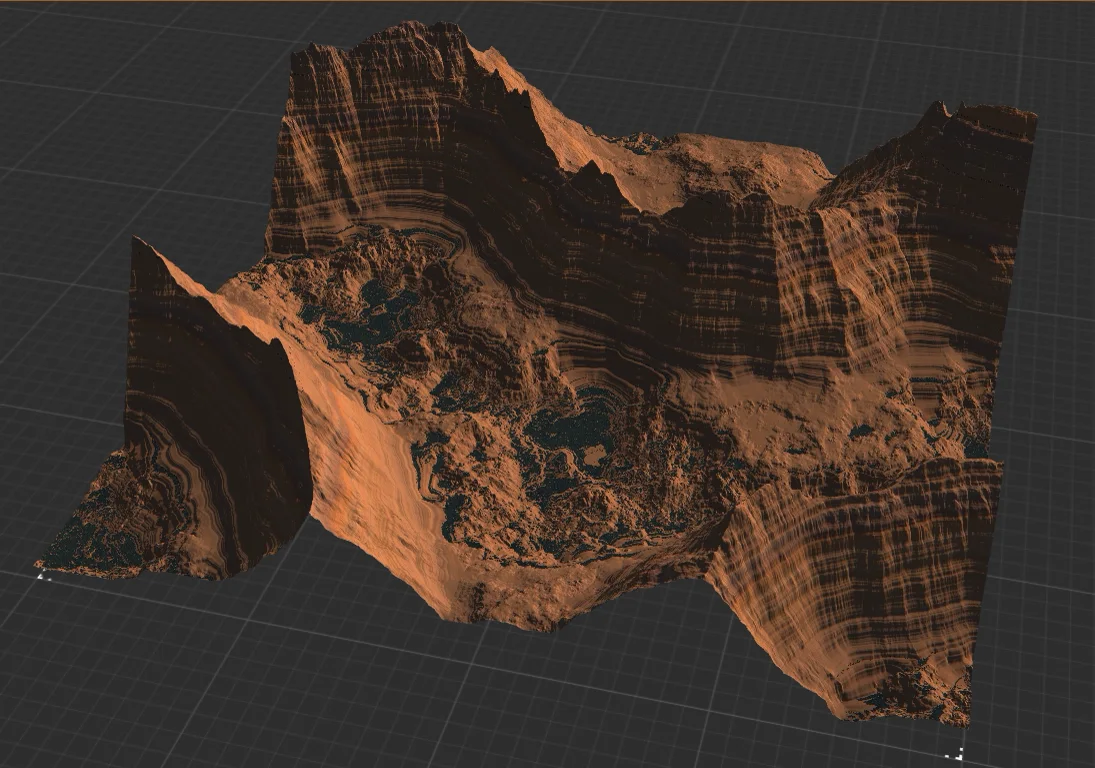
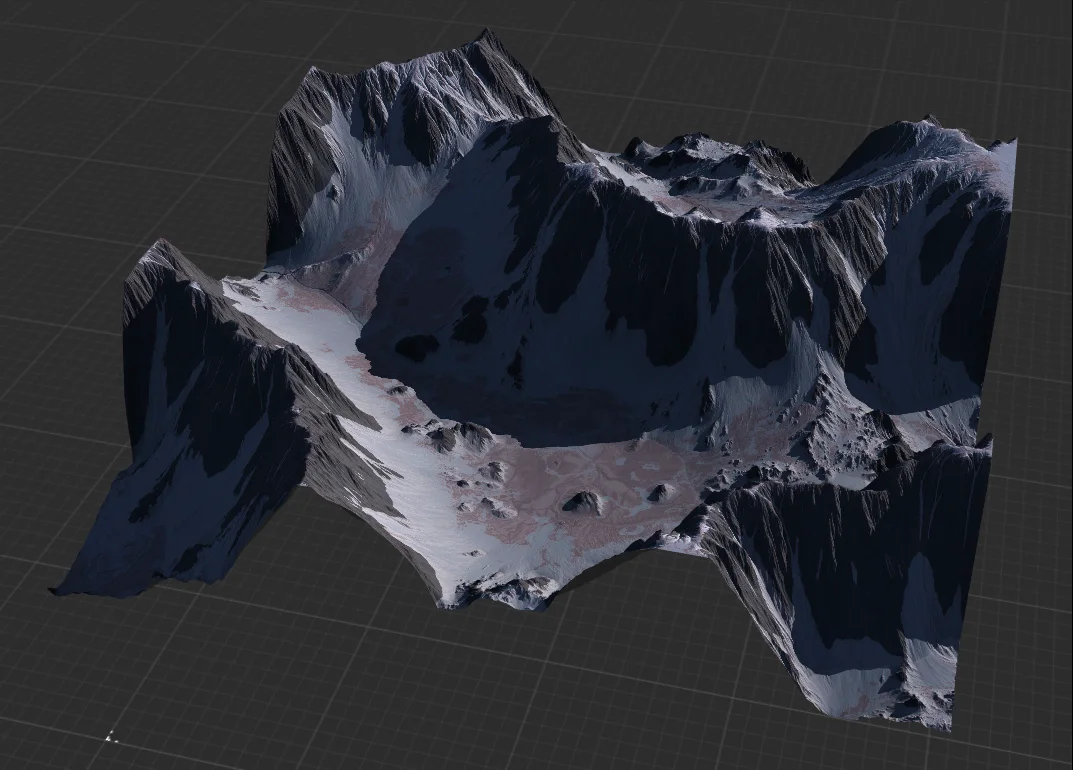
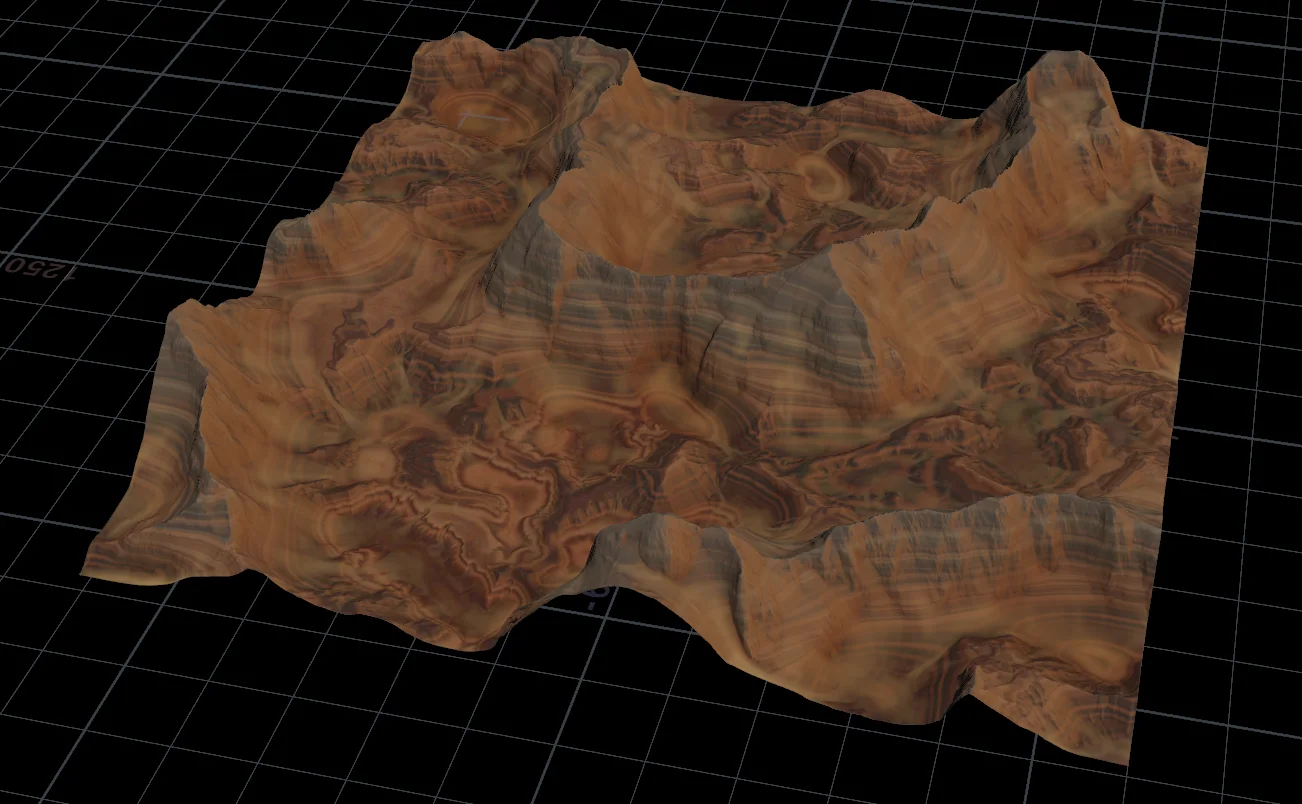
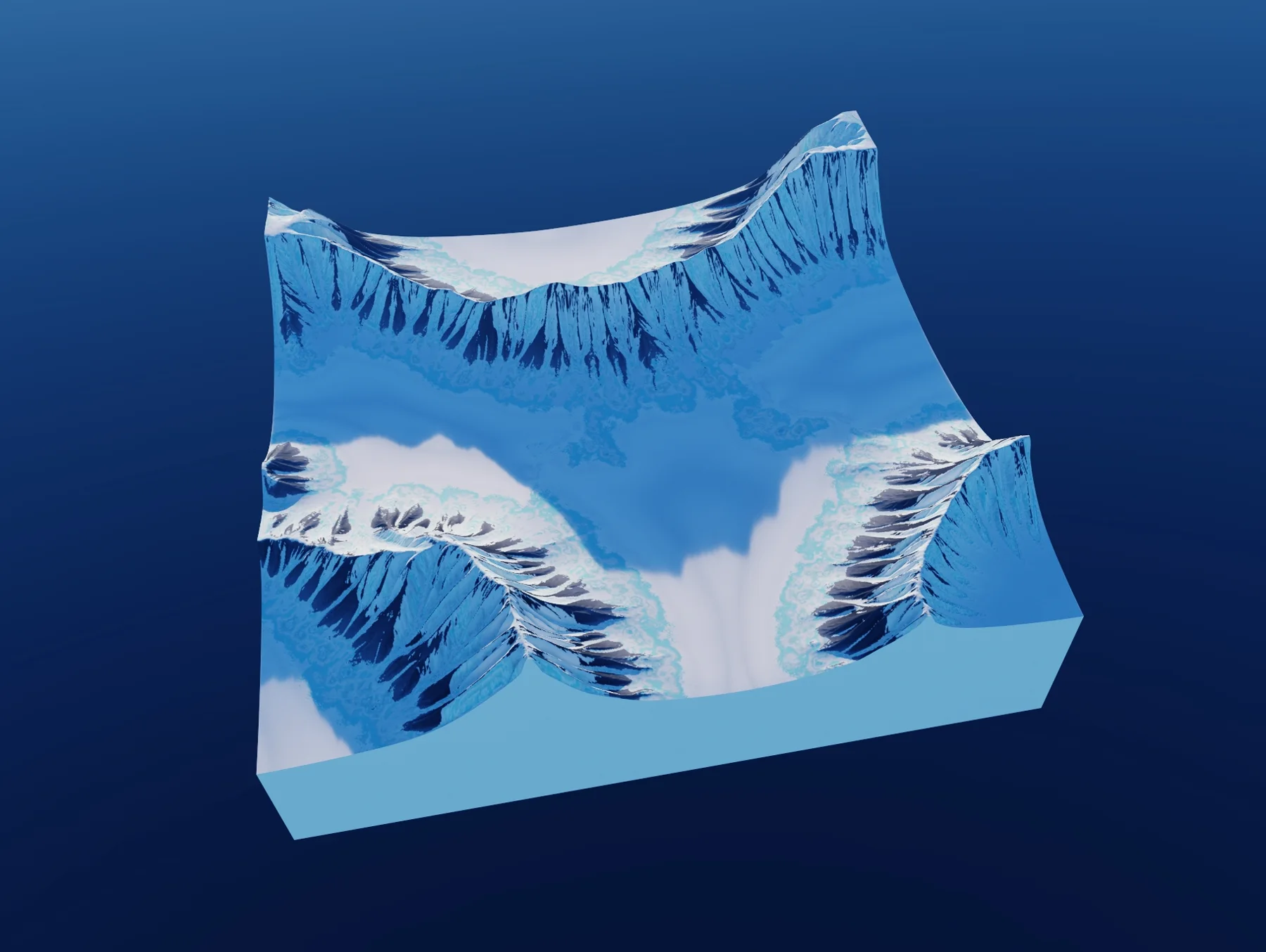
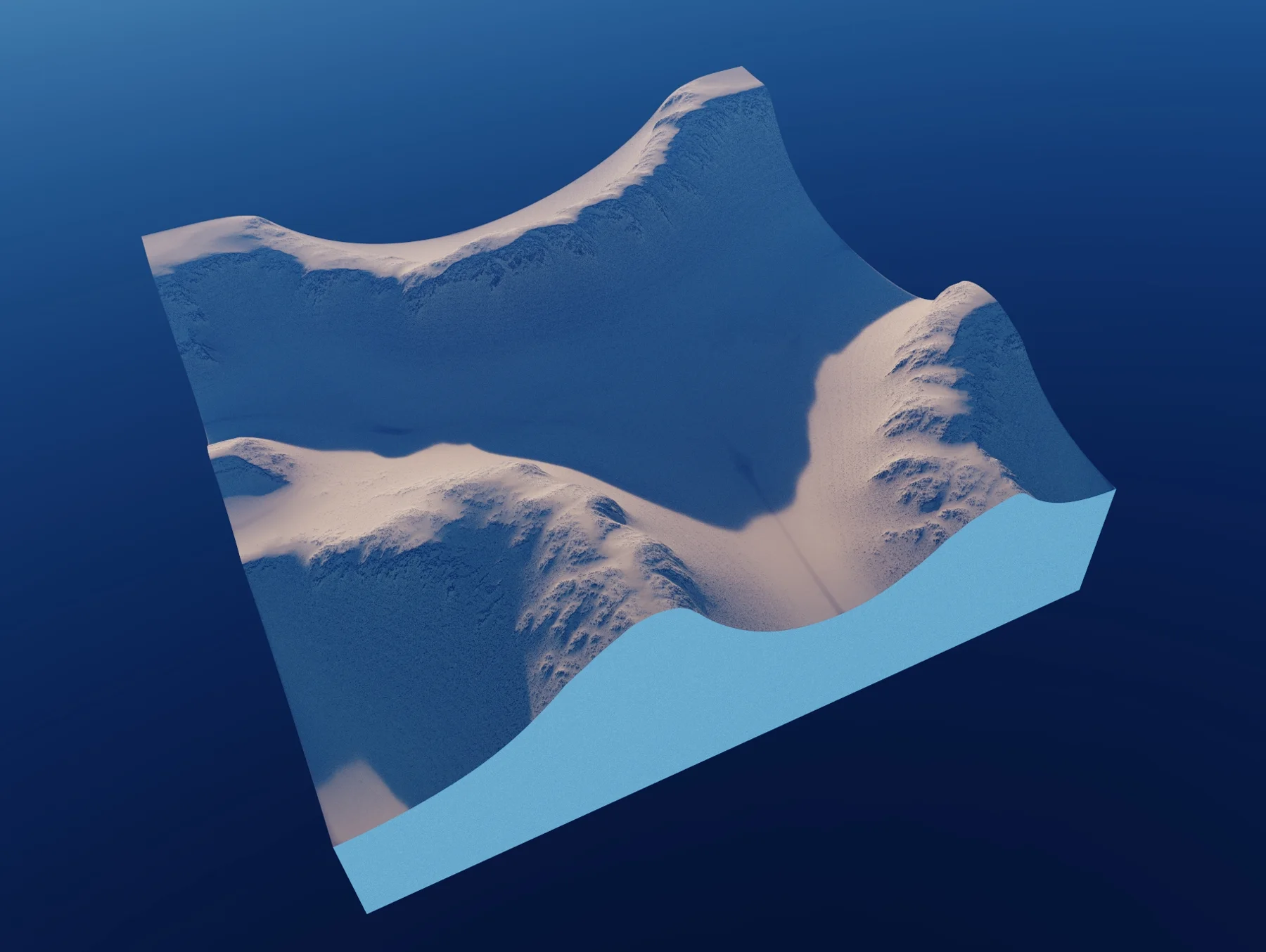
Terrain tools are very good at realistic noise and simulation, which suits the “make the terrain, then let designers fill it” workflow. I wanted the other direction: a designer drafts the layout first and the terrain follows it. So I built the same sketched layout (a chain of mountains across the top, two separate ones below) with four tools.
- Stable Diffusion. A heightmap sketch plus a derived map for ControlNet depth control gave consistent batches, but the result still has to be picked by hand from many.
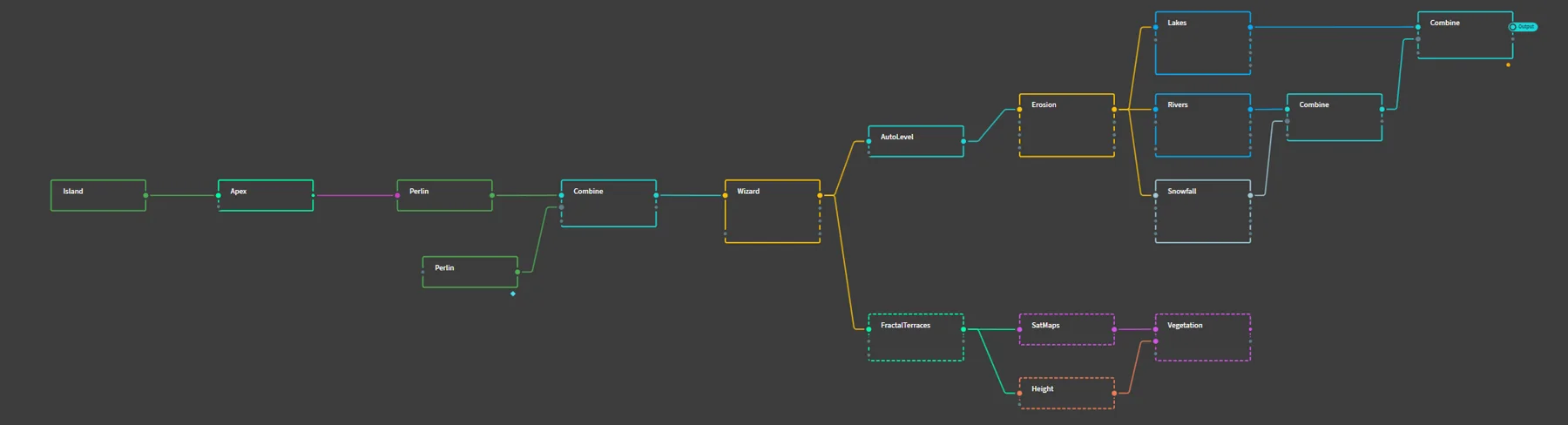
- Gaea. Node-based and the strongest of the four out of the box: an island mask, Apex and Perlin noise for the blockout, erosion passes, auto leveling, then texturing.
- Houdini. The same steps, from a drawn curve and polywire blockout through four passes of erosion and slump to COP-based texturing. Fewer terrain features built in, but you can build your own tools.
- World Creator 3. Not node-based. Base shapes plus filter stacks gave two quite different looks from the same draft.
AI is the most accessible route once a pipeline exists; Gaea and World Creator suit individuals; Houdini suits studios with technical artists. On a team project, the sketch-to-heightmap idea became a pipeline that turned concept sketches into usable terrain in minutes.
Tools
- Houdini
- Gaea
- World Creator 3
- Stable Diffusion
- ControlNet