 Feiyang Zhou
 Flexible decals in a deferred renderer
A decal system for Unity's deferred pipeline that projects diffuse, normal and emission decals from box volumes into the G-buffer.
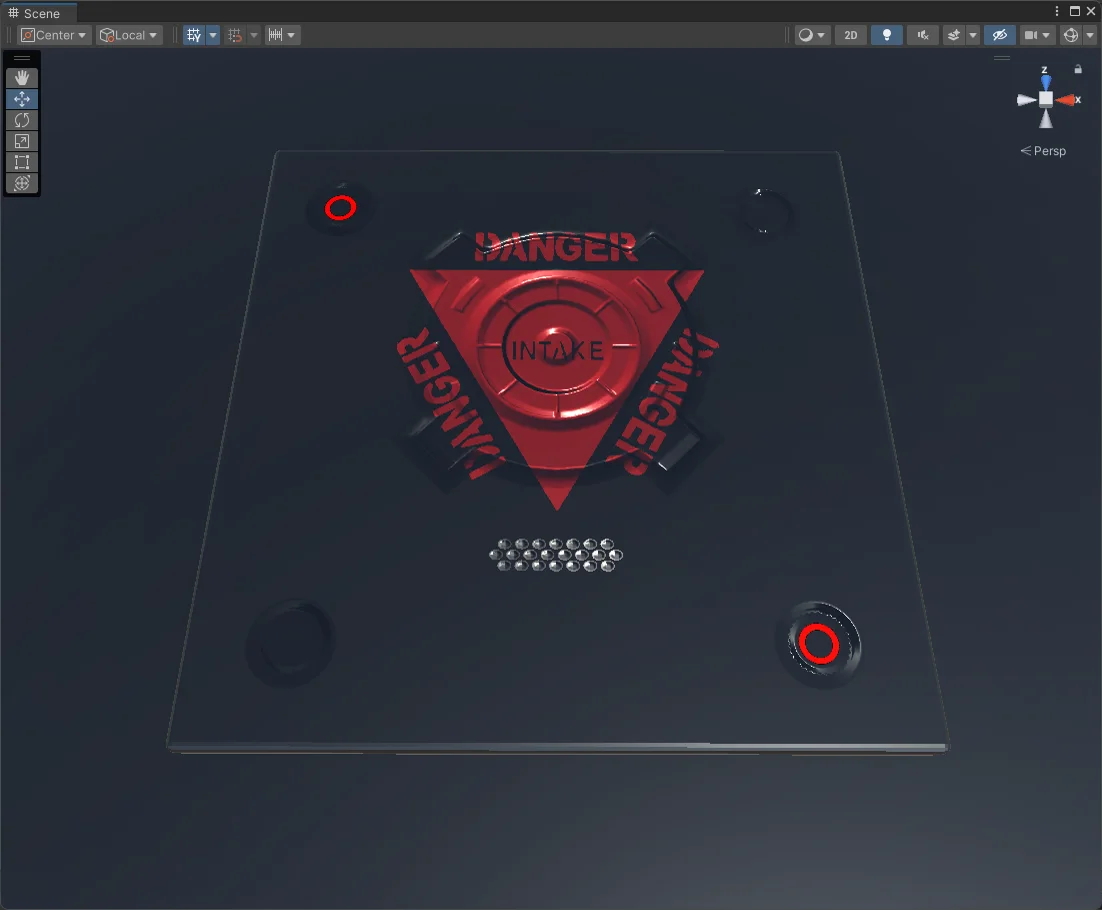
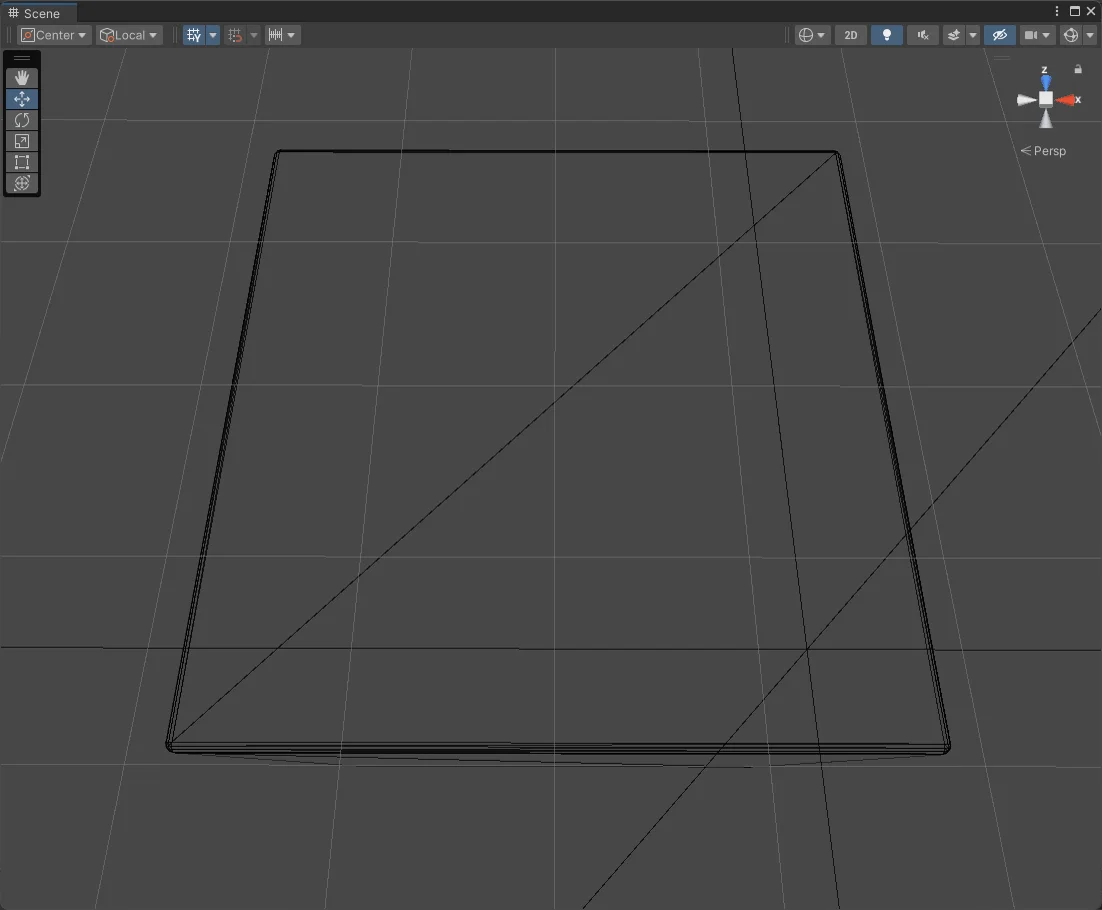
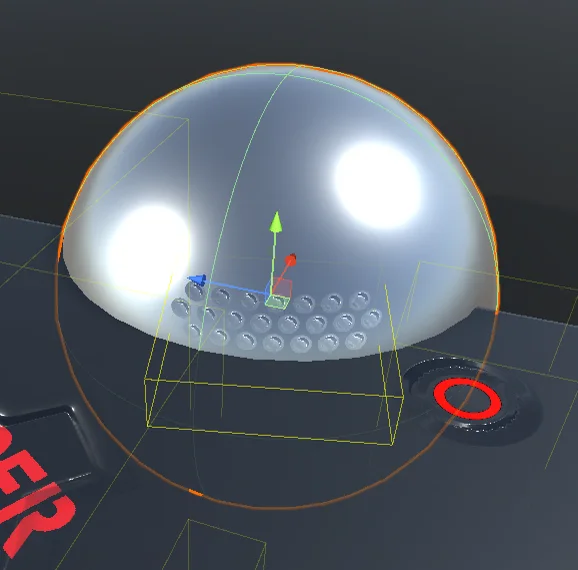
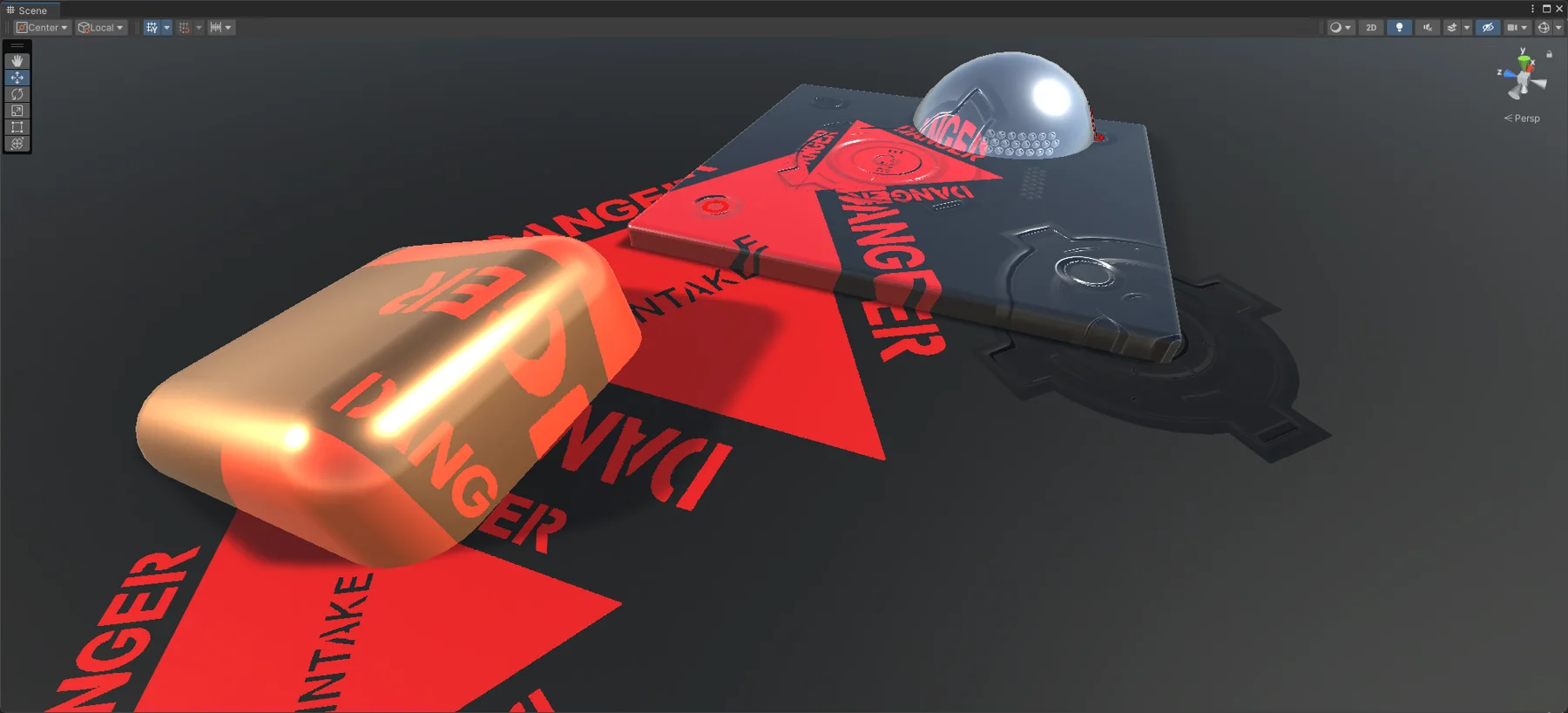
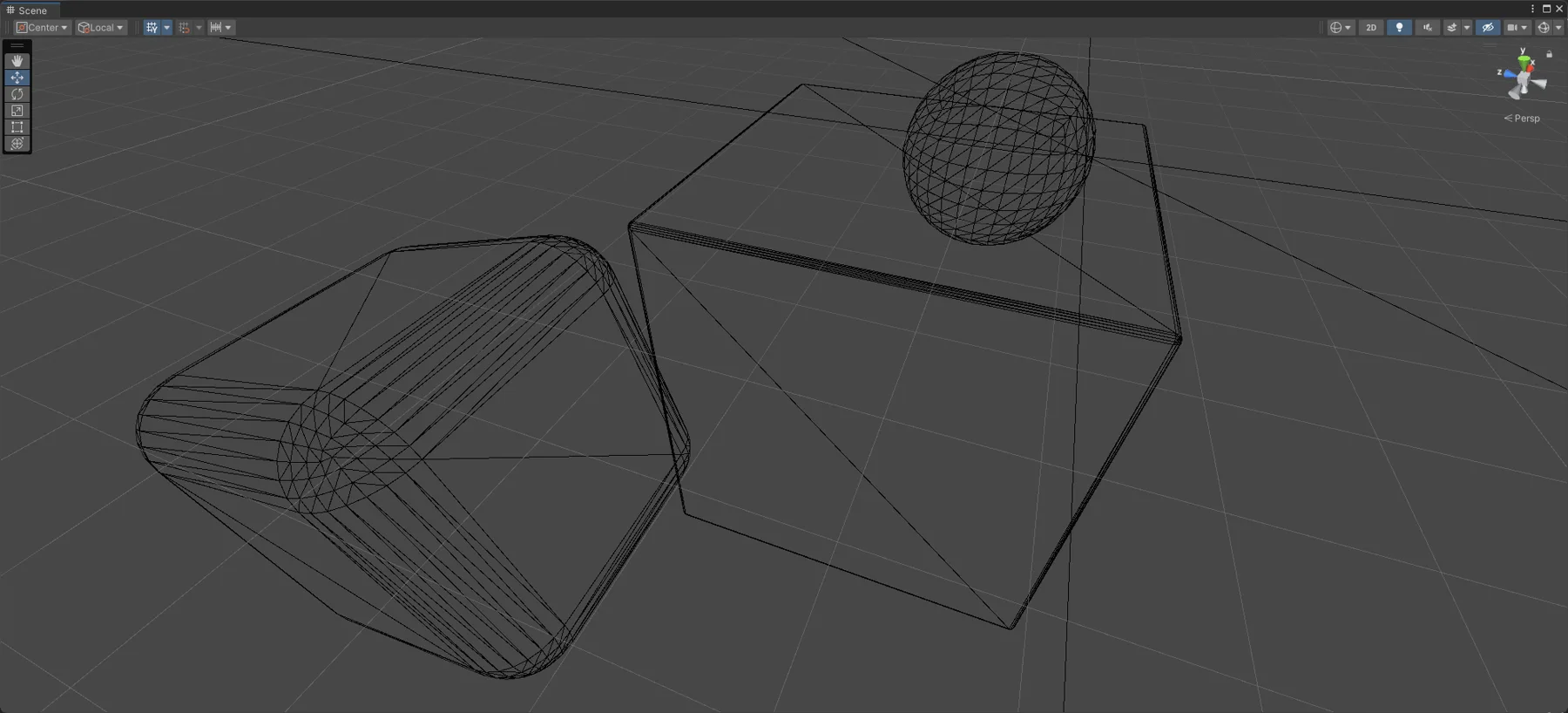
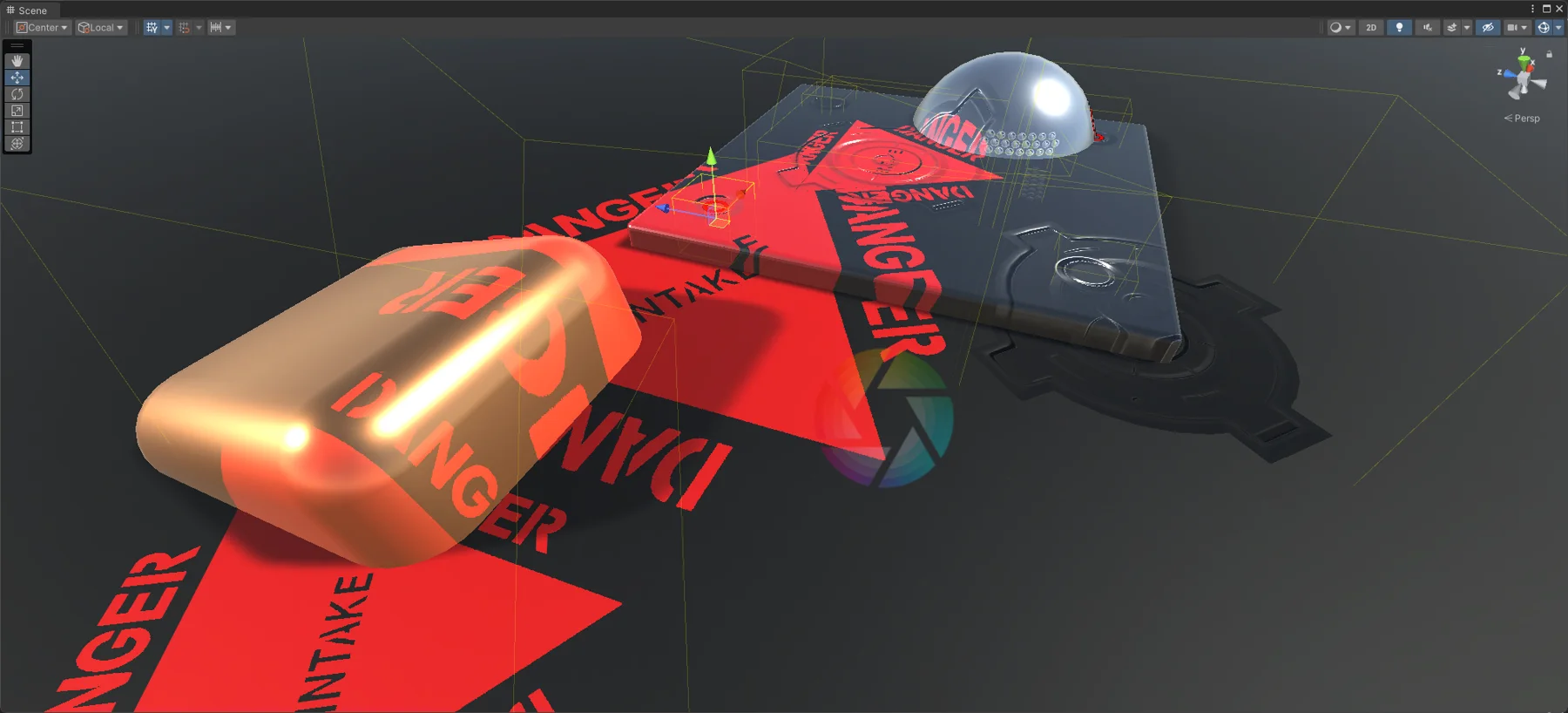
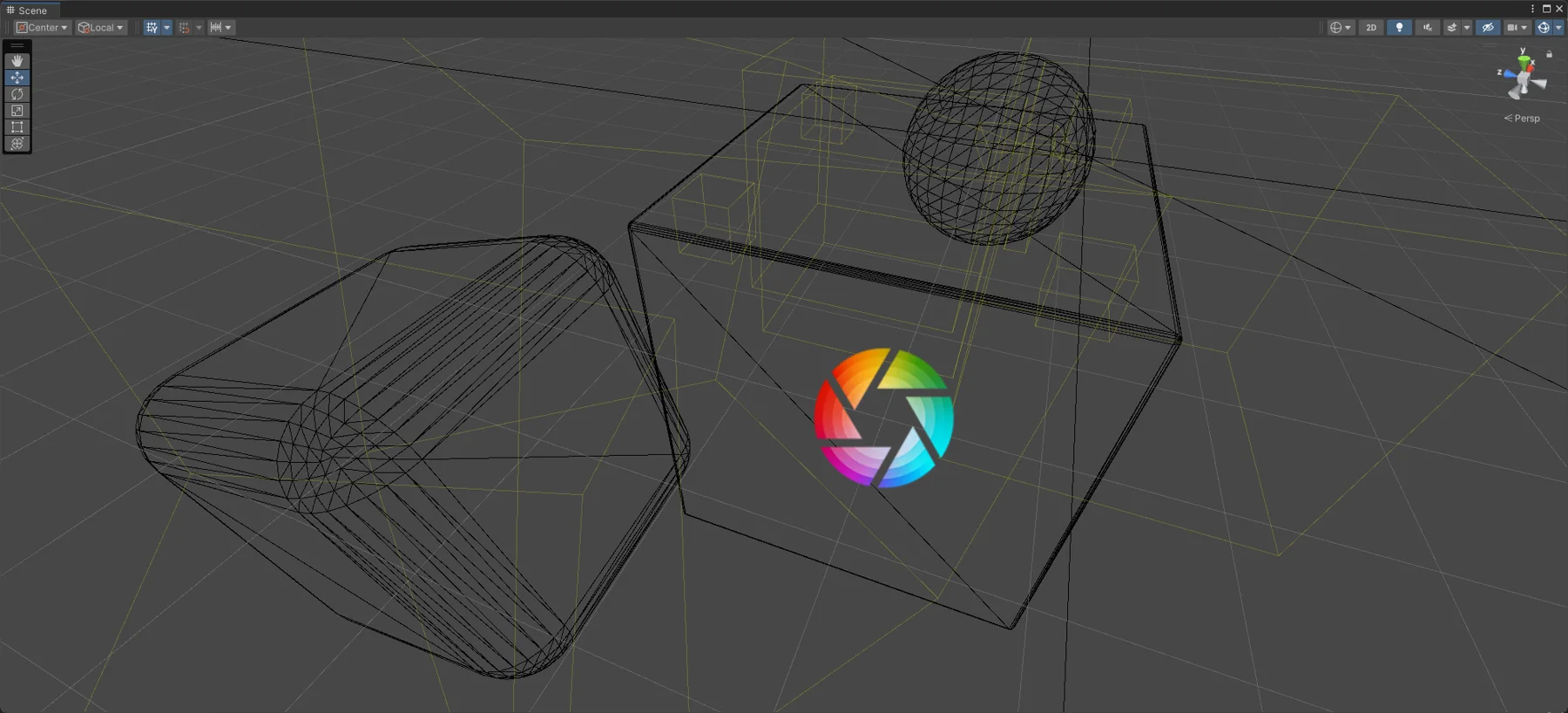
Decals add detail such as scorch marks, graffiti and markings without changing a model’s texture or geometry. In the first demo, apart from the bevel on the ground’s edge, every detail in the rendering comes from my decal system.
How it works. The system is built on command buffers, which run graphics commands such as drawing a mesh or setting render targets at chosen points in the camera’s render loop, and on shaders that apply the decal over the scene.
- Representation. Each decal is a box volume: the area it is projected into. A decal takes a diffuse texture with alpha for masking, a normal texture and an emission texture.
- Scene data. Unity’s deferred pipeline keeps diffuse color, normals and more in a set of textures, the G-buffer.
- Culling. A decal whose volume does not intersect the camera frustum is skipped.
- Injection. A command buffer inserted before lighting draws the decals into the G-buffer, so lighting takes them into account. A second command buffer after lighting adds emission.
- Application. The G-buffer normals are copied, then each decal’s box is drawn with a decal shader that projects the textures onto the scene within the volume.
The shader. The vertex function transforms the box, computes screen-space coordinates and the decal’s position and orientation in world space. The fragment function reconstructs each pixel’s world position from depth, checks that it lies inside the volume, samples the decal and writes the result into the G-buffer. One shader handles diffuse-only, normal-only and emission-only decals and any mix of the three.
Next steps. Writing to the specular G-buffer, and a priority field per decal so overlapping decals sort by priority rather than by their order in the scene hierarchy.
Tools
- Unity
- C#
- HLSL
- Command buffers
- G-buffer